
How to Compress PDF Files Online (Free & Instant Tool)
There’s a familiar frustration in trying to email a PDF only to be told the attachment is too large. Whether it’s a scanned contract packed with high-resolution images or a design portfolio with dozens of embedded photos, oversized files have a way of showing up at the worst possible moment, usually right before a deadline.
In this guide, you’ll learn exactly what happens when a PDF gets smaller, why file size matters more than most people realize, and how to compress PDF files online using a simple browser-based tool, with no desktop software required.
What Does It Mean to Compress a PDF?
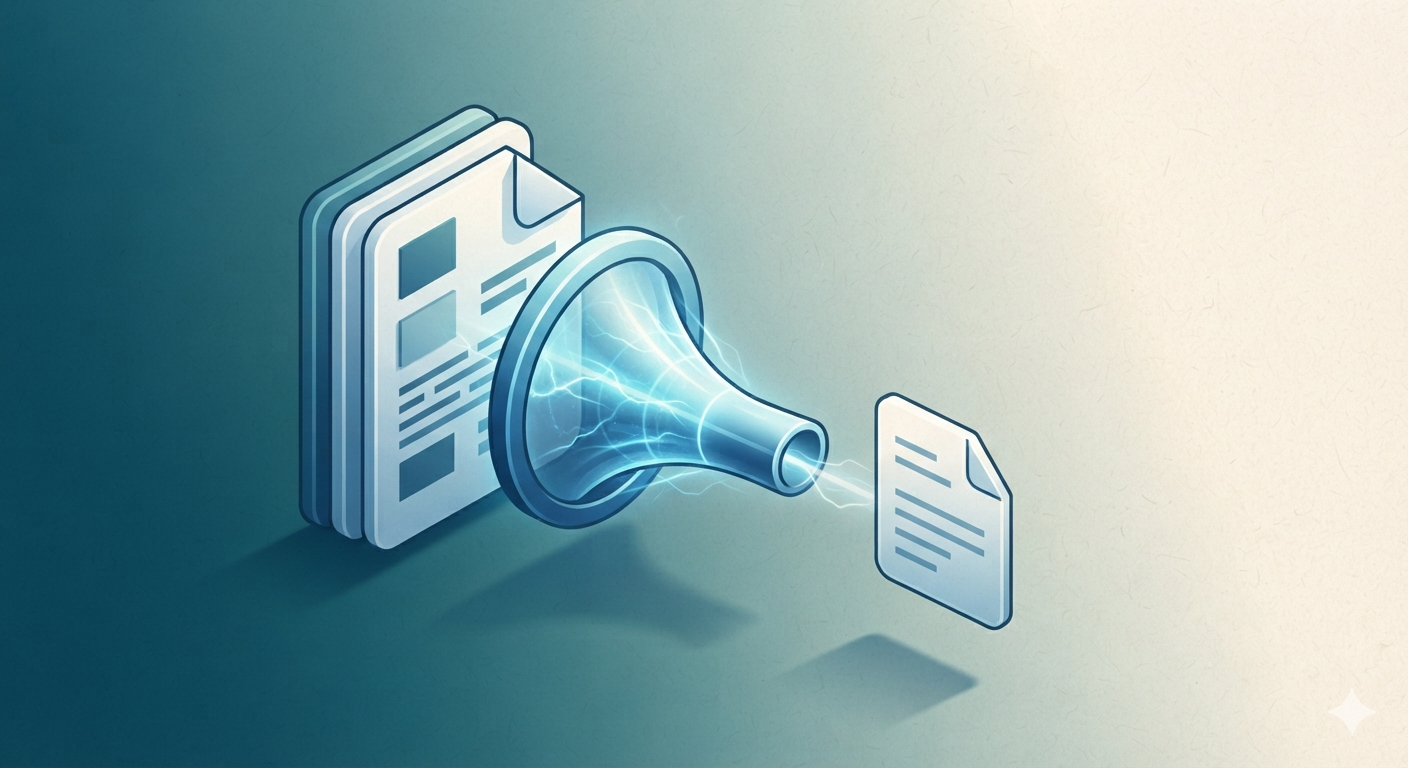
Compressing a PDF means reducing its overall file size while keeping the document readable and usable. This typically happens by reducing the resolution of embedded images, removing redundant data, and optimizing the internal structure of the file, all without deleting any actual pages or content.
Think of it like packing a bulky winter coat into a vacuum-sealed storage bag. The coat itself doesn’t change, but the space it takes up shrinks dramatically, making it far easier to carry, store, or send somewhere else.
How Does It Work When You Compress PDF Files Online?
A dedicated Compress PDF tool analyzes the document’s internal images, fonts, and metadata, then applies optimization techniques such as image downsampling and redundant data removal. The result is a smaller file that opens and displays essentially the same as the original.
Where This Comes in Handy in Real Life
Emailing scanned contracts within attachment limits, uploading resumes to job portals with strict size caps, sharing design portfolios without long load times, and archiving large documents to save storage space are all common everyday scenarios for this process.
Why Compress Your PDF Documents?
Large files create friction at nearly every step: slower uploads, rejected email attachments, sluggish downloads for recipients, and wasted storage space. Shrinking a document removes all of that friction in a matter of seconds.
Faster Uploads and Downloads
Smaller files transfer noticeably faster, which matters when uploading to portals, cloud storage, or slower internet connections.
Fits Within Email Attachment Limits
Many providers reject attachments over a certain size. Compressing beforehand avoids bounced emails and frustrating back-and-forth resending.
Saves Storage Space
Archiving years of documents adds up quickly. Smaller file sizes mean more documents fit comfortably within your available storage.
Improves Sharing Experience
Recipients on mobile data or slower connections appreciate a lighter file that opens quickly instead of stalling during download.
Step-by-Step: How to Compress PDF Files Online
You don’t need expensive desktop software to compress PDF files online. A browser-based tool handles the entire process in just a few clicks.
- Open the tool: Visit the Compress PDF page on SmartWebHub.
- Upload your file: Select or drag in the PDF document you want to shrink.
- Choose a compression level: Pick a setting that balances file size reduction with acceptable image quality.
- Click Compress: The tool instantly processes and optimizes your document.
- Download your file: Save the newly compressed PDF to your device or share it directly.
Using This Tool Alongside Other PDF Utilities
People who compress PDF files online often combine it with related tasks. If you first need to combine several documents, run them through Merge PDF before compressing, or convert the final file using PDF to Word if further editing is needed afterward.
Manual Method vs Using an Online Tool
Reducing file size manually usually means re-exporting a document at lower image quality from the original source software, which isn’t always possible if you only have the final PDF. Here’s how the approaches compare:
| Factor | Manual / Re-export from Source | Online Compression Tool |
|---|---|---|
| Speed | Slow, requires original source file | Instant, one click |
| Accessibility | Needs original design/document file | Works with the PDF you already have |
| Learning Curve | Requires software-specific export knowledge | No technical skill needed |
| Consistency | Varies by original software’s export options | Standardized compression levels |
| Accessibility | Needs specific desktop software | Works on any browser/device |
| Cost | Free but time-expensive | Free and time-efficient |
Common Mistakes to Avoid
1. Over-Compressing Image-Heavy Documents
Choosing the most aggressive compression setting on a photo-heavy PDF can make images look blurry or pixelated. Test a moderate setting first before going extreme.
2. Compressing an Already-Compressed File Repeatedly
Running the same file through compression multiple times leads to compounding quality loss with diminishing size benefits. Always compress from the original when possible.
3. Not Checking the Result Before Sending
Always open and review the compressed file to confirm text remains sharp and images are still acceptable before sharing it with someone important.
4. Forgetting Password-Protected Files Need Unlocking First
Some compression tools can’t process encrypted PDFs directly. If a file is locked, run it through Unlock PDF before attempting to compress it.
Best Practices When You Compress PDF Files Online
- Start with a moderate compression level and only increase it if the file is still too large for your needs.
- Learn more about the PDF file format’s technical background on Wikipedia.
- Combine multiple documents first with Merge PDF before running a single compression pass on the final file.
- Unlock any password-protected files first using Unlock PDF before attempting to compress them.
- Convert the compressed document with PDF to Word if you need to make text edits afterward.
- Bookmark this page any time you need to quickly compress PDF files online without installing extra software.
Typical Size Reduction: Image-heavy PDFs → 50-90% smaller | Text-heavy PDFs → 10-30% smaller
Always keep your original file as a backup before compressing, in case you need full quality again later.
Frequently Asked Questions
How do I compress PDF files online for free?
Upload your PDF into a free online tool, choose a compression level, click compress, and download the smaller file instantly.
Does compressing a PDF reduce its quality?
Some reduction can occur, mainly in embedded images, since compression often lowers image resolution. Text and vector content usually stay sharp.
How much smaller can a compressed PDF become?
Reduction varies by content, but image-heavy files can shrink by 50-90%, while text-heavy documents typically see a smaller percentage reduction.
Is it safe to compress sensitive PDF documents online?
Reputable tools delete uploaded files after a short period, but for highly sensitive documents, always check the service’s privacy policy first.
Why do email services reject large PDF attachments?
Most providers cap attachments around 25MB to manage server load and delivery speed. Compressing beforehand helps files fit comfortably under these limits.
Ready to shrink your file size instantly? Try the Compress PDF tool now and compress PDF files online with zero hassle.
Compress PDF Now →