
How to Generate an MD5 Hash Online: Complete Guide
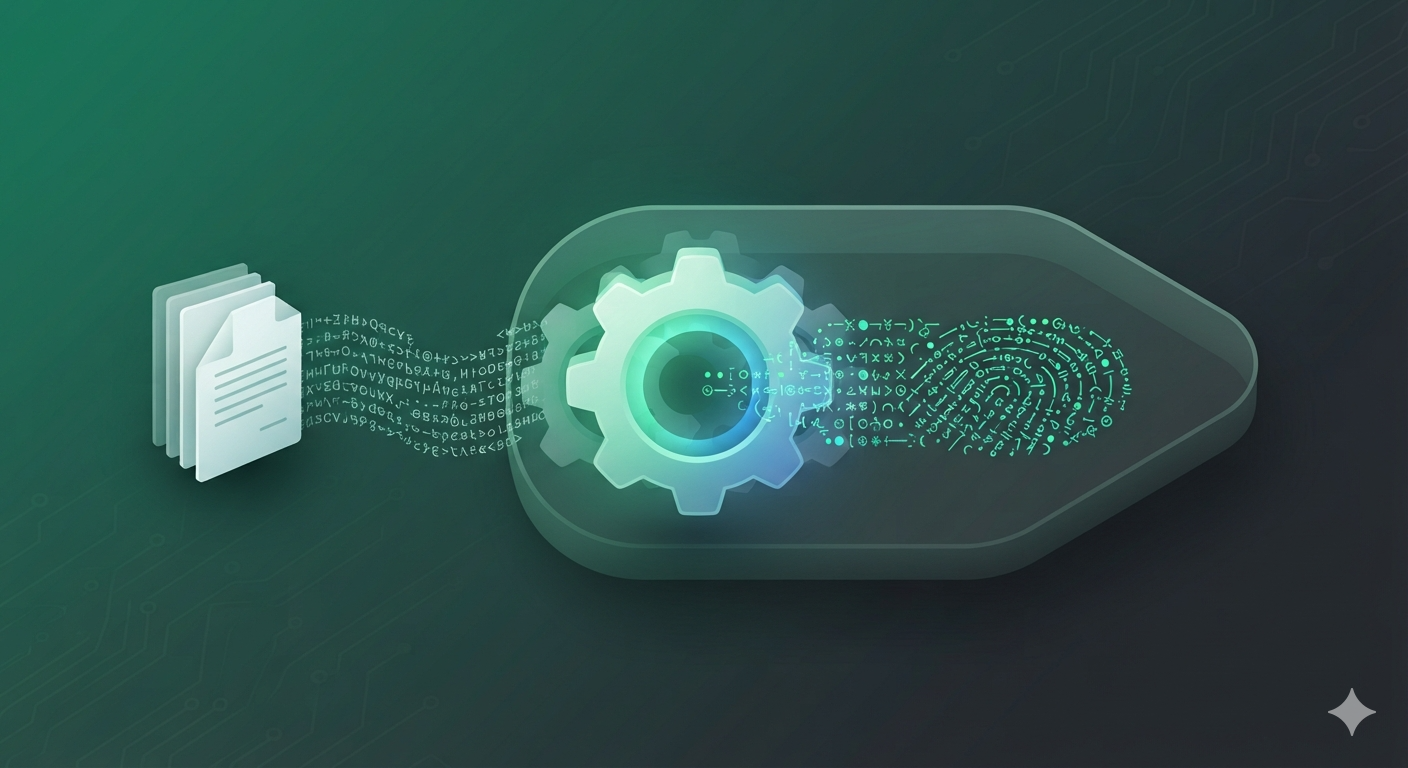
MD5 is one of the most recognizable hashing algorithms on the web. You may encounter an MD5 checksum beside a software download, inside a legacy database, or in a developer workflow where a compact fingerprint is needed. What matters is knowing what the digest can tell you, what it cannot tell you, and when a stronger algorithm is the better choice.
This guide explains how to generate an MD5 hash online from text or a file, why tiny input changes create different digests, how MD5 compares with SHA-1 and SHA-256, and which common mistakes can lead to apparently mismatched hashes.
What Is an MD5 Hash?
MD5 (Message-Digest Algorithm 5) maps an input byte sequence of any length to a 128-bit digest. When represented in hexadecimal, that digest contains 32 characters. The output length remains fixed even when the input is much larger.
Hashing Is Not Encryption
Encryption is intended to protect data so that an authorized party can later recover the original plaintext with a key. A cryptographic hash instead produces a fixed-size digest used as a fingerprint or comparison value. Calling an MD5 value “encrypted text” is therefore misleading.
Why Exact Input Matters
Hash functions operate on bytes. Adding a space, changing capitalization, adding a line break, or using a different character encoding changes those bytes and therefore changes the digest.
How to Generate an MD5 Hash Online
- Open the MD5 Hash Generator.
- Choose Text / String for text input or File for a local file.
- Enter the text or select the exact file you want to process.
- Click Generate MD5 Hash.
- Copy the 32-character result and compare it with the trusted reference value when verifying data.
Where MD5 Is Still Used
| Use case | Why MD5 appears | Important caveat |
|---|---|---|
| Legacy checksums | Existing systems may already publish MD5 values. | Use a stronger algorithm when the application requires modern collision resistance. |
| Simple deduplication | Short fixed-size fingerprints are convenient for comparison. | Do not treat a matching MD5 as a security proof of identity. |
| Cache or legacy identifiers | MD5 is fast and compact. | Check whether the application has adversarial inputs. |
| Development/testing | Easy to reproduce in many environments. | Keep it out of security-critical credential workflows. |
MD5 Security Limitations
MD5 is also unsuitable when collision resistance is a security requirement. Researchers have demonstrated practical collision attacks against MD5, so a malicious party may be able to construct distinct inputs with the same digest. That makes MD5 a poor choice for security-sensitive signatures and similar uses where an attacker can influence the input.
MD5 vs SHA-1 vs SHA-256
| Algorithm | Digest size | Common status | New security-sensitive design |
|---|---|---|---|
| MD5 | 128 bits / 32 hex | Legacy / limited non-adversarial uses | Generally avoid |
| SHA-1 | 160 bits / 40 hex | Legacy and collision-broken | Generally avoid |
| SHA-256 | 256 bits / 64 hex | Modern cryptographic hash | Common choice, depending on the protocol |
Common Mistakes When Generating MD5
1. Using an Already-Hashed Value by Accident
Hashing a digest is not the same as hashing the original message. Check exactly what your reference value was generated from.
2. Ignoring Whitespace
A trailing space or newline is real input data. Copying text from a document can quietly add characters that change the result.
3. Mixing Text Encodings
When two systems hash the same visible text using different byte encodings, their MD5 values can differ. Confirm the encoding when reproducibility matters.
4. Treating MD5 as Proof of Authenticity
A checksum comparison only tells you whether the tested bytes match the reference digest. If an attacker can change both the file and the published checksum, a plain checksum does not establish authenticity.
Related Developer Workflows
When an MD5 value is part of a larger workflow, the JSON Formatter can help inspect structured API responses, while the Base64 Encoder & Decoder solves a different encoding problem. For special characters in URLs, use the URL Encoder & Decoder.
Frequently Asked Questions
How long is an MD5 hash?
MD5 produces a 128-bit digest, normally displayed as 32 hexadecimal characters.
Can I generate MD5 from a file?
Yes. A file-capable MD5 generator reads the file bytes and calculates the digest from that binary content.
Can an MD5 hash be decrypted?
No. Hashing is not reversible decryption. Weak or common inputs may be guessed or matched, but that is different from reversing the algorithm.
Is MD5 safe for passwords?
No. Use a dedicated password-hashing algorithm designed to resist fast guessing attacks.
Why does one character change the whole hash?
Hash functions are designed so small input changes produce substantially different outputs. This is helpful for detecting exact changes in the input.
Is MD5 the same as SHA-256?
No. MD5 outputs 128 bits, while SHA-256 outputs 256 bits. They have different security properties and should not be treated as interchangeable.
Need a quick checksum or legacy digest? Use the SmartWebHub MD5 Hash Generator and compare the result with a trusted reference.
Generate MD5 Hash Now →